
Guide · 4 min read ·
A buyer’s guide to white-label LMS in 2026
What 'white-label' actually means, where most vendors fall short, and the seven-question vendor checklist to run before you sign.

Sachin Kumar
Product Manager, Learnify
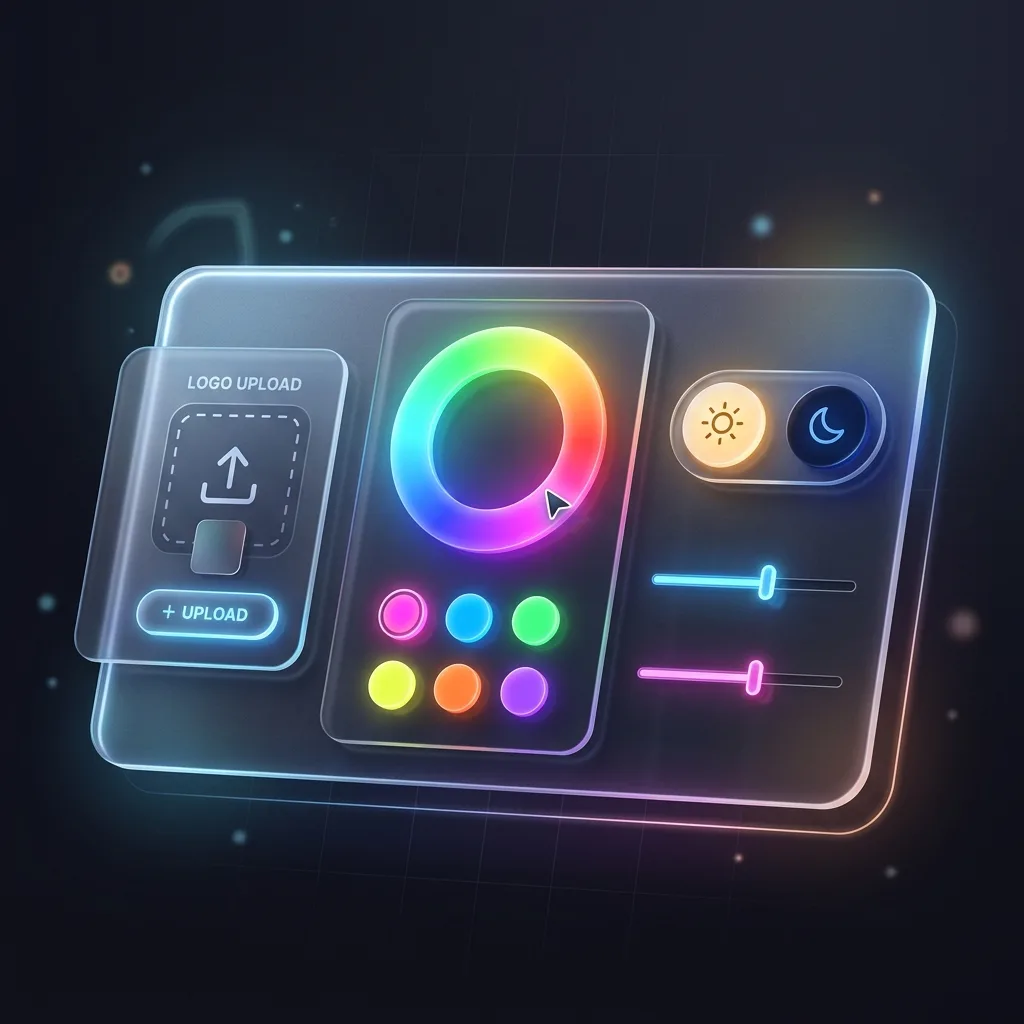
“White-label” is the most stretched term in the LMS market. For some vendors it means your logo in the top-left corner. For others it means your domain, your design system, your mobile app and no trace of the vendor anywhere a learner looks. If you’re buying in 2026, this guide covers what the term should mean, where vendors quietly fall short, and the seven questions that separate the two.
What white-label actually means
A genuinely white-label LMS disappears behind your brand at every learner touchpoint. As a working definition, that covers five surfaces:
- Domain — learners sign in at learn.yourbrand.com, not yourbrand.vendor.com.
- Design — your colors, type and components, not a theme color applied to the vendor’s layout.
- Communications — enrollment emails, reminders and certificates sent from your domain, in your templates.
- Mobile — the app learners install carries your brand, or at minimum no competing brand.
- Edges — error pages, password resets, help links. The places vendors forget are the places learners notice.
Where most vendors fall short
Almost every vendor passes the logo test. The common failures are one layer down: “Powered by” badges that reappear on certificates and email footers; a custom domain that silently redirects to the vendor’s domain at login (which also breaks SSO cookie scoping); mobile apps that are vendor-branded with your logo inside; and white-label as a price tier so high it’s effectively a different product.
The quickest tell
Ask for a learner-facing password-reset email from an existing customer deployment. It is the surface vendors brand last — if that email is clean, the rest usually is.
The seven-question checklist
Put these to every vendor on your shortlist, and ask for screenshots, not assurances:
- Is the learner domain mine end-to-end, including the login and SSO redirect flow?
- Do certificates, badges and every system email carry only my brand?
- Can I apply my design system — fonts, colors, components — or only a theme color?
- What does the mobile experience look like, and whose name is on the app store listing?
- Which surfaces remain vendor-branded at my price tier? List them explicitly.
- If I run portals for partners or sub-brands, can each carry its own branding?
- Who owns the learner data and the domain if we part ways, and what does export include?
Question 5 is the one that ends most evaluations early. Vendors who answer it precisely tend to be honest about everything else; vendors who answer “everything is brandable” without a list usually mean “everything visible in the demo.”
Two pricing traps to watch
First, per-learner pricing that counts provisioned users rather than active ones — punishing exactly the broad roll-outs a white-label LMS is for. Second, branding fees billed as one-time setup but re-charged on every major version upgrade. Both belong in the contract conversation, not the renewal surprise.
How Learnify answers the seven
We built Learnify to pass this checklist outright: your domain end-to-end (including SSO), branded certificates and emails, full design-system theming, native learner apps, multi-tier portal branding for partner academies, and your data exportable in full if you ever leave. If you’re running an evaluation, we’re happy to answer all seven in writing.
Put the checklist to usKeep reading
More from the Learnify Journal

Your next audit should take an afternoon.
Start free and watch the evidence pack export from your own workspace — or book 30 minutes with a solution architect who has sat through the inspection you are preparing for.
info@habilelabs.io
20 seats · 30 days · no card
India · North America · Europe
HabileLabs Cloud, Data & AI